
Gearbox RFQ Template
Capture torque, ratio, backlash, mounting, duty cycle, volume, and delivery assumptions in one buyer-ready worksheet.
Best for: New robotized gearbox quotations and custom ratio/interface review
Download no-login starter worksheets for robotized gearbox RFQs, replacement screening, inspection records, and export packing. Use them to send a complete first engineering package before quote, sample, or CAD release.
Preparing a same-speed, 90-degree drive RFQ? Use the 1:1 right angle gearbox estimator to attach torque, heat loss and assumptions to your worksheet.
These files are intentionally lightweight CSV worksheets so buyer engineering, sourcing, quality, and logistics teams can open them in Excel, Google Sheets, or an ERP attachment workflow.
Capture torque, ratio, backlash, mounting, duty cycle, volume, and delivery assumptions in one buyer-ready worksheet.
Best for: New robotized gearbox quotations and custom ratio/interface review
Generated product-family index covering public worksheets, CAD release status, accepted file formats, minimum inputs, matched package contents, and revision ownership.
Best for: Checking which gearbox family needs RFQ data, replacement evidence, or model-fit review before CAD release
Generated list of product-family CAD package layers, release gates, required inputs, revision controls, engineering owners, and public-download status.
Best for: Planning the matched datasheet, 2D drawing, 3D CAD, and inspection file request before RFQ submission
Generated index of public product-family engineering briefs with file paths, RFQ inputs, matched package scope, and CAD release gates.
Best for: Downloading the right public family brief before comparing torque, interface, replacement, or CAD release requirements
Collect incumbent model, nameplate, shaft, bolt circle, lubrication, rotation, and photo evidence before interchange screening.
Best for: Drop-in replacement, retrofit, and cross-reference programs
Define which inspection, material, heat-treatment, run-in, and packing records should be included with quote and shipment planning.
Best for: Supplier qualification, PPAP-style review, and incoming QC planning
Align crate, rust prevention, lifting, shipping mark, Incoterm, and document expectations before production release.
Best for: International gearbox shipments, samples, and repeat production lots
Start with the generated public index to identify the right product family, public worksheet scope, CAD release gate, and minimum engineering inputs before requesting matched datasheets, 2D drawings, STEP, IGES, or SolidWorks files.
robot joint, external axis, and integrated automation gearbox RFQs
indexers, transfer units, packaging automation, and repeat machine builds
welding robots, palletizing axes, positioners, and high-load automation
SCARA joints, cable-through rotary axes, and compact robot tooling
drop-in replacement, retrofit sourcing, and obsolete reducer review
warehouse AGV, AMR, shuttle, and mobile robot drive programs
compact robot joints, collaborative robot axes, and precision rotary motion
high-payload robot arms, positioners, and heavy rotary axes
conveyors, mixers, process equipment, and industrial drive upgrades
right-angle conveyor drives, material handling, and space-limited machinery
servo couplings, line-shaft couplings, and gearbox-to-motor matching
| Family Code | Product Family | Public Brief | Public Downloads | CAD Status | Minimum Inputs |
|---|---|---|---|---|---|
| RGB-RG | Robotized Gearbox robot joint, external axis, and integrated automation gearbox RFQs | Download brief | public family brief; RFQ template; asset index; inspection request | Released after model fit review | output torque and speed; ratio and backlash target; motor flange or adapter drawing |
| RGB-IA | Industrial Automation Gearbox indexers, transfer units, packaging automation, and repeat machine builds | Download brief | public family brief; RFQ template; asset index; inspection request | Released after duty-cycle and interface review | continuous and peak torque; cycle profile; servo motor frame |
| RGB-HD | Heavy-Duty Robot Gearbox welding robots, palletizing axes, positioners, and high-load automation | Download brief | public family brief; RFQ template; asset index; inspection request | Released after load case review | rated and shock torque; radial and axial load; robot axis position |
| RGB-HS | Hollow Shaft Robotized Gearbox SCARA joints, cable-through rotary axes, and compact robot tooling | Download brief | public family brief; RFQ template; asset index; inspection request | Released after bore and cable pass-through review | hollow bore diameter; cable or pneumatic pass-through need; output flange pattern |
| RGB-CY | Cycloidal Gearbox Replacement drop-in replacement, retrofit sourcing, and obsolete reducer review | Download brief | public family brief; replacement review checklist; asset index; inspection request | Released after incumbent model cross-check | incumbent model and nameplate; bolt circle and pilot dimensions; shaft or hollow bore dimensions |
| RGB-AGV | AGV AMR Drive Gearbox warehouse AGV, AMR, shuttle, and mobile robot drive programs | Download brief | public family brief; RFQ template; asset index; export packing checklist | Released after wheel, brake, and motor stack review | wheel diameter and load; motor and brake stack; target speed and grade |
| RGB-HMR | Precision Harmonic Drive Reducers compact robot joints, collaborative robot axes, and precision rotary motion | Download brief | public family brief; RFQ template; asset index; inspection request | Released after joint stiffness and interface review | joint torque and ratio; backlash or lost-motion target; wave generator or motor interface |
| RGB-RV | Heavy-Duty RV Speed Reducers high-payload robot arms, positioners, and heavy rotary axes | Download brief | public family brief; RFQ template; asset index; inspection request | Released after axis load and mounting review | axis payload and moment load; ratio and cycle speed; input motor adapter |
| RGB-H | H-Series Parallel Shaft Helical Gearbox conveyors, mixers, process equipment, and industrial drive upgrades | Download brief | public family brief; RFQ template; asset index; export packing checklist | Released after shaft and ratio configuration review | power, torque, and speed; ratio and service factor; input and output shaft arrangement |
| RGB-B | B-Series Right-Angle Bevel-Helical Gearbox right-angle conveyor drives, material handling, and space-limited machinery | Download brief | public family brief; RFQ template; asset index; export packing checklist | Released after right-angle layout review | power, torque, and output speed; right-angle layout constraints; shaft orientation |
| RGB-COUP | Precision & Industrial Couplings servo couplings, line-shaft couplings, and gearbox-to-motor matching | Download brief | public family brief; RFQ template; asset index; inspection request | Released after shaft and misalignment review | bore sizes and keyway details; torque and speed; misalignment allowance |
The templates above are open downloads. Model-specific STEP, IGES, and SolidWorks packages are released after gearbox family, ratio, motor adapter, shaft or bore interface, and drawing revision are confirmed.
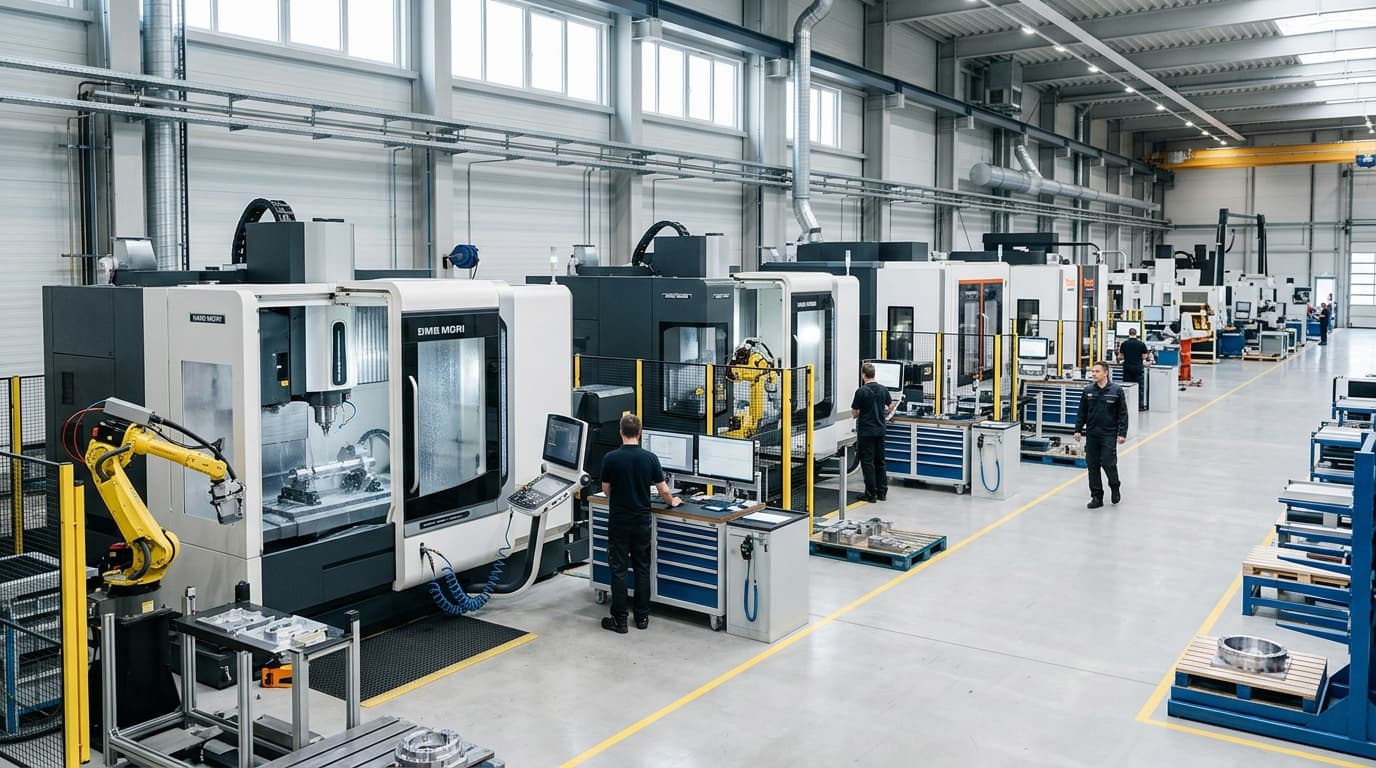
Interface-controlled CAD review is tied to manufacturable shaft, bore, flange, and housing decisions instead of generic catalog drawings.
Use the no-login RFQ or review worksheet to organize the first technical package.
Add drawings, nameplate photos, duty cycle notes, or incumbent datasheets by email or WhatsApp.
Engineering checks torque-speed, interface, backlash, heat, and export document assumptions.
Model-specific datasheets, STEP, IGES, SolidWorks, or inspection files are shared after revision fit is confirmed.
| Buyer Function | File to Start With | Risk Reduced |
|---|---|---|
| Engineering | RFQ template and replacement checklist | Missing torque, backlash, interface, and duty-cycle data. |
| Quality | Inspection document request | Late discovery of required reports, certificates, or OQA evidence. |
| Logistics | Export packing checklist | Crate, marking, corrosion, Incoterm, and document mismatch before shipment. |
Yes. The starter RFQ, replacement review, inspection document, and packing checklist files are available without registration.
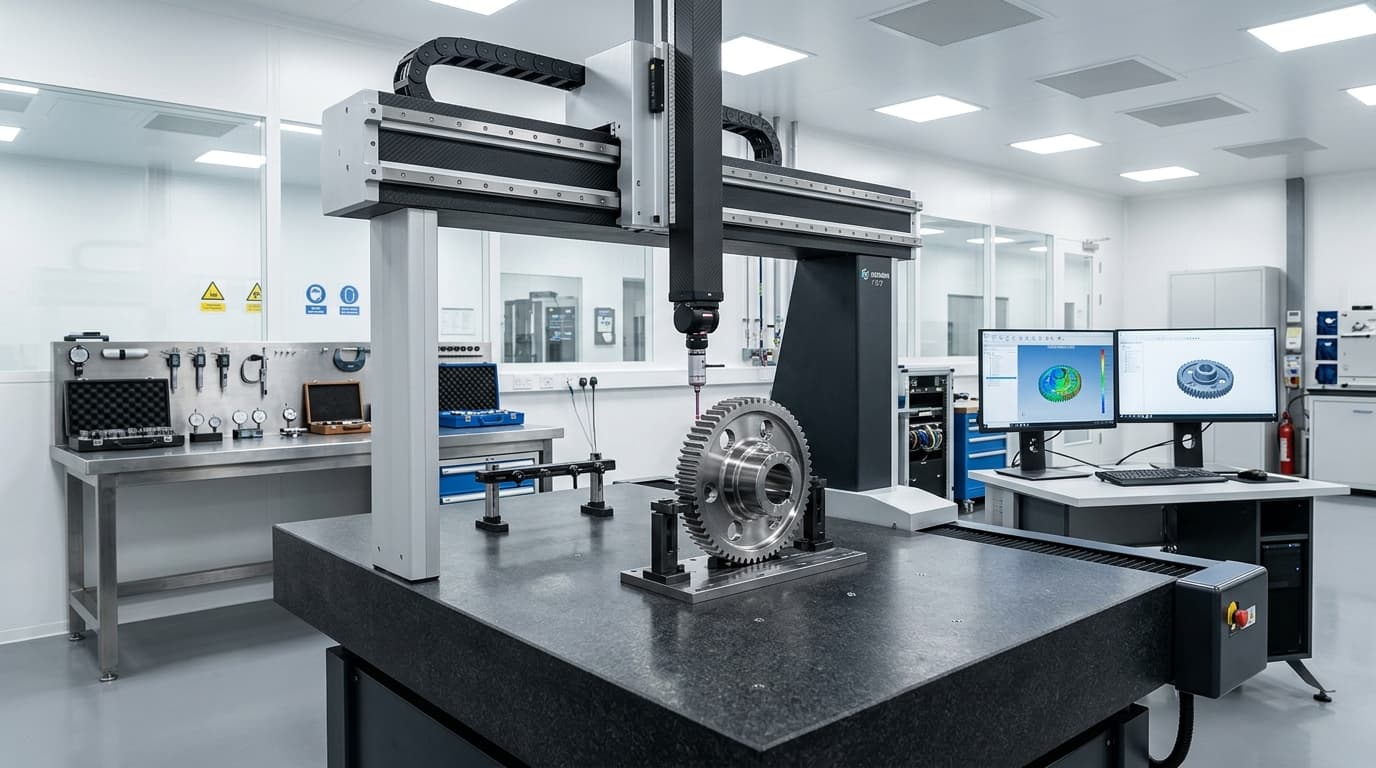
Gearbox CAD must match ratio, interface, motor adapter, output shaft, and drawing revision. We release matched STEP, IGES, or SolidWorks files after a quick model-fit review to prevent wrong-file design-in.
It lists product-family codes, public worksheet availability, CAD release status, accepted CAD formats, minimum inputs, matched package contents, release gates, revision ownership, and last-reviewed date.
The asset index helps buyers choose a product family. The CAD package manifest focuses on file-package layers, release gates, revision controls, and what engineering needs before releasing matched datasheets, drawings, and CAD envelopes.
Send the completed RFQ worksheet, 2D/3D drawing status, nameplate photos if replacing an existing gearbox, torque-speed assumptions, quantity plan, destination, and required inspection documents.
Attach the completed worksheet, current drawings, and any photos or supplier documents. Engineering will screen model fit, missing data, and validation risks before quote direction.
Inquiry Email
Please attach 2D/3D CAD drawings, target torque/speed, and quantity.
Direct contact URL: https://robotizedgearbox.com/contact?source=resources&asset=download+center&page=%2Fresources